Every agent, step and shell, live.
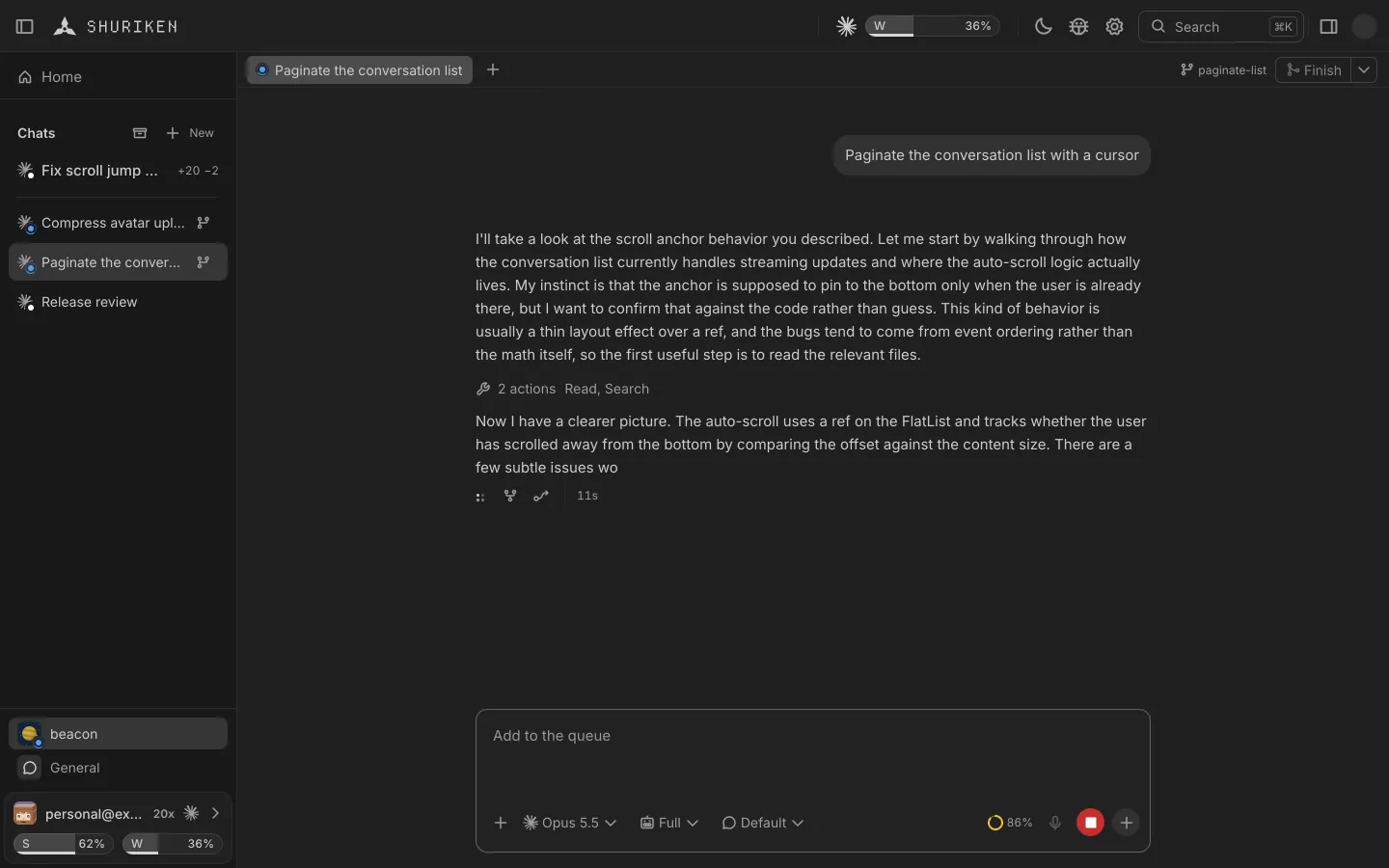
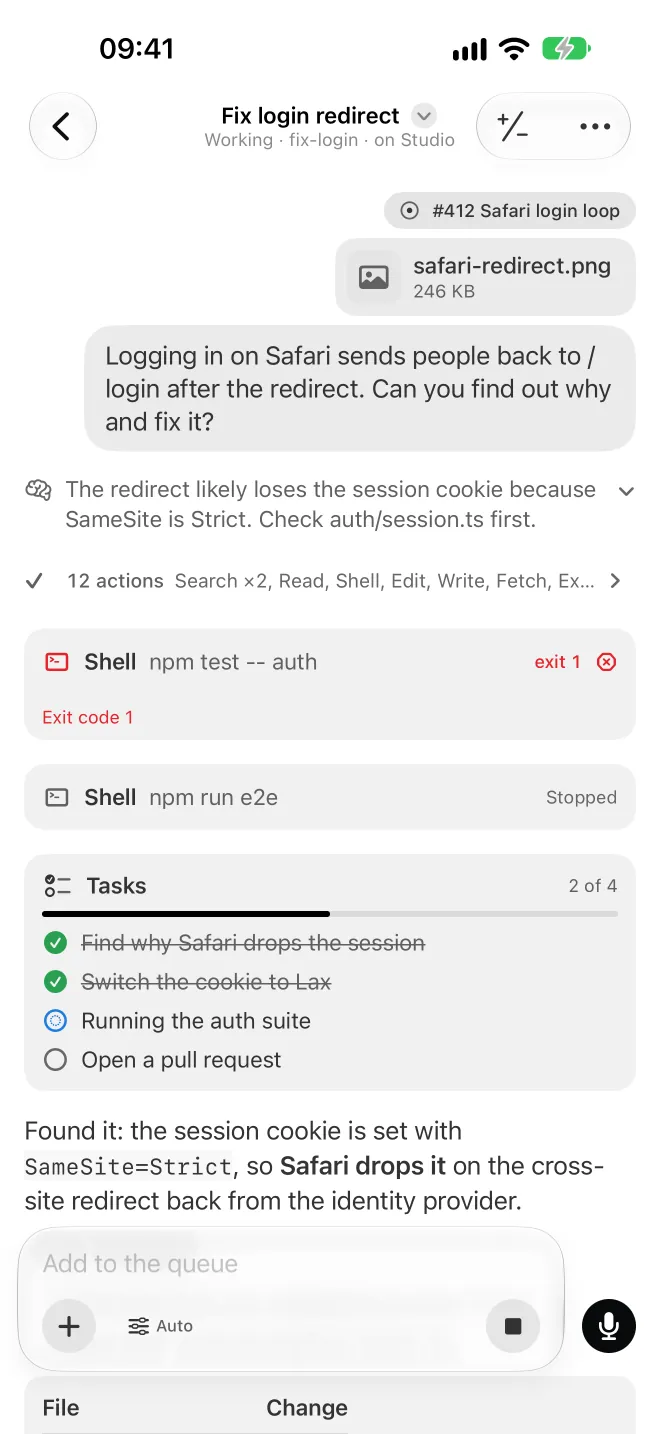
Activity is the panel that shows what a chat is running right now: subagents, workflow phases, background commands and monitors, live. What you send meanwhile waits in the queue, where you can edit, reorder or remove it.

The problem
A long turn is a spinner until it ends.
Coding agents start subagents, workflows, dev servers and test runs in the background. In a terminal you see the last line of one of them, and when you come back from a break you scroll to find out what happened.
How Shuriken handles it
How it works
-
See what's running.
A pill in the chat counts everything at work, from subagents to dev servers.
-
Open Activity.
Subagents, workflow phases, background commands and monitors, each with its live output.
-
Queue the next thing.
Type while the agent works. Your message waits its turn, repeats if you ask, or Steer puts it into the running turn right away.
-
Catch up later.
Back from a break? A short digest tells you what happened, and a notification says which chat needs you.
The details
Workflows with phases
Each phase, and the agents working inside it.
Background commands
Dev servers and test runs keep their output where you can find it.
A queue with undo
Edit, reorder or remove a queued message. ⌘Z brings it back.
A push when it needs you
Approvals and finished work: a notification on your computer, a push on your phone.
Files the agent hands you
A card in the chat for each file: open it in a tab with its size and lines, download it, or show it in Finder or Explorer.
Good to know
- A queued message runs when the turn ends, or after the turn's background work if you choose.
- Activity shows what each agent reports. The most detail comes from Claude Code.
Questions
What does Activity show?
Subagents, workflow phases, background commands such as dev servers and test runs, and monitors, each with its live output. A pill in the chat counts everything at work.
Does it work with every agent?
It shows what each agent reports. The most detail comes from Claude Code.
Can I type while the agent works?
Yes. Your message joins the queue and runs when the turn ends, or after the turn's background work if you choose. Steer sends it into the running turn instead.
How do I know when a chat needs me?
A notification on your computer for approvals, questions and finished work, and a short digest of what happened while you were away.
Bring your agents. Keep your accounts.
Free forever, with 2 sources and 2 linked devices. No card.