One queue. Everyone's name on it.
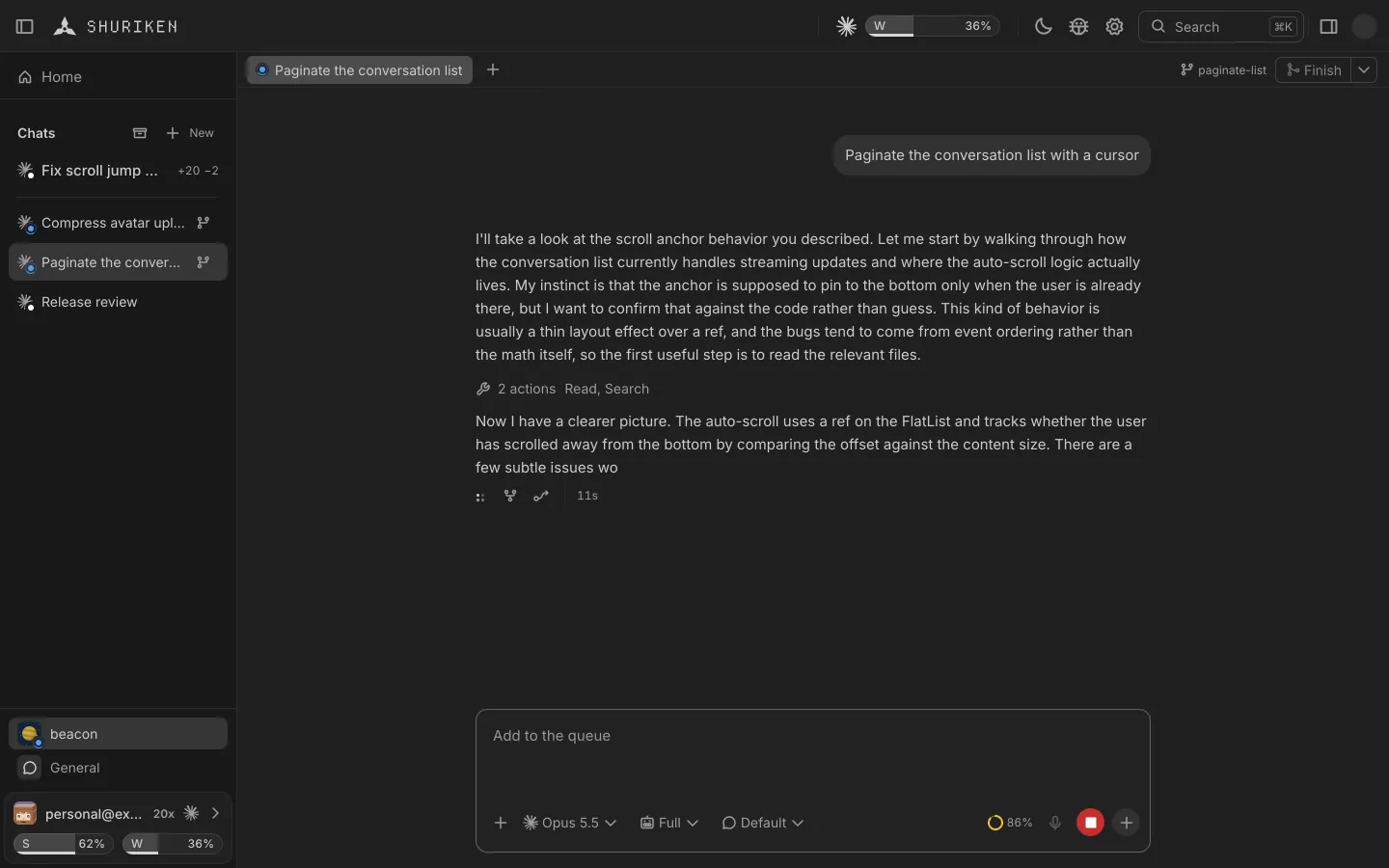
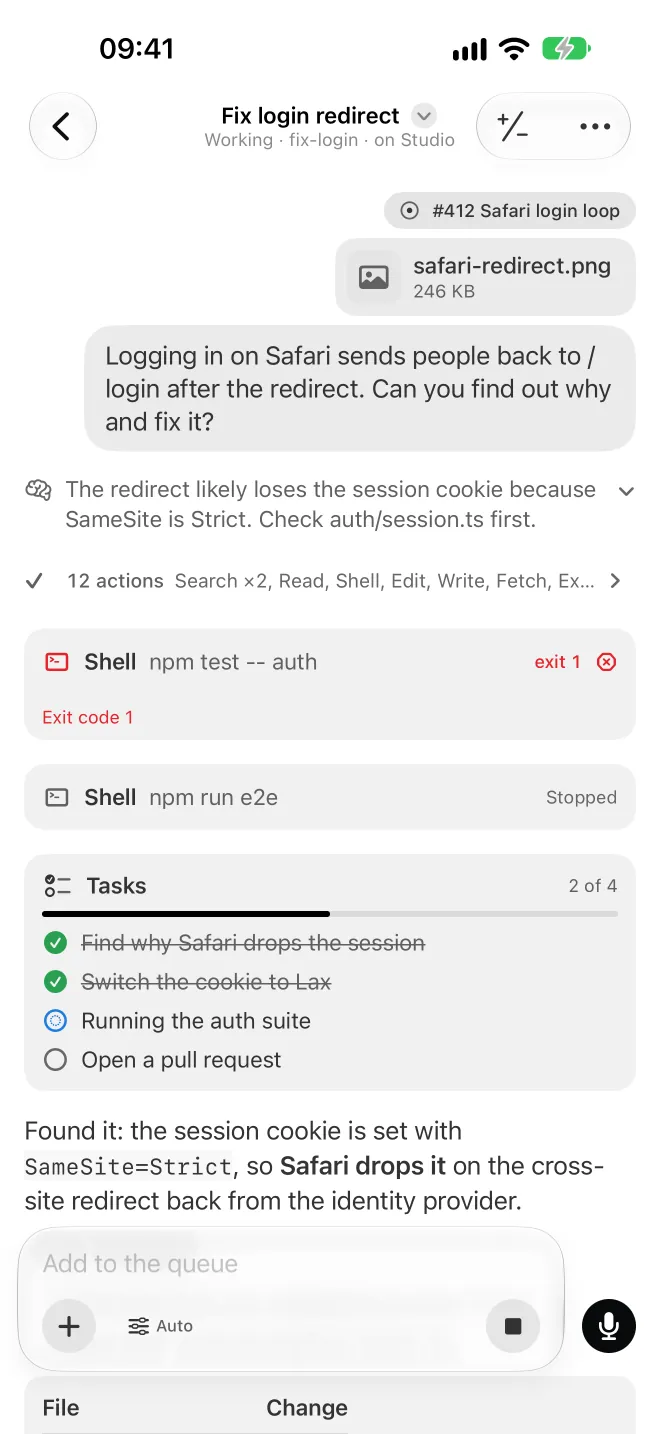
In beta: live collaboration lets someone you invite by their Shuriken email work in a project's chats on your computer, end-to-end encrypted. Every message and queued task shows who sent it.
Shared projects are an opt-in beta in this release. You and the person you share with both switch on Shared projects (beta) in Settings › Projects. Sharing a project needs Pro or Founding; joining one works on any plan.
The problem
Showing a friend your agent means sharing your screen.
To let someone work along with your agents, you either hand over your computer or copy the repository, the sign-ins and the setup to theirs. Both are a lot to ask for an afternoon of pairing.
How Shuriken handles it
How it works
-
Invite by email.
Add people to one project. They sign in with their own Shuriken account.
-
They join your project.
Their app reaches your computers through the relay, end-to-end encrypted. Your code stays on your machines.
-
Work in one queue.
Same chats, same queue. Every message and queued task carries its author's name and picture.
-
Stay in control.
Set a daily spend limit for each member, see who's online, and remove someone at any time.
The details
Presence
See who's in the project right now.
Spend per member
Each member's cost and turns today, against a limit you set.
Your hooks, your call
A member's request to run your project's hooks waits for your approval.
End-to-end encrypted
The relay between you carries ciphertext. Before a member first connects, their app shows the owner's key and waits for an OK: compare it with the owner, because until then our cloud could sit in between.
Share only with people you trust fully
Members get the same access you have: your computer, your files and your sources. Their turns use your plans.
Good to know
- Members get the same access you have: your computer, your files and your sources. Their turns use your plans. Only share a project with someone you trust fully.
- Members need their own Shuriken account.
Questions
How do I share a project?
You both switch on Shared projects (beta) in Settings › Projects. Then open the project's ⋯ menu, pick Share…, enter their Shuriken email, choose how long and a daily limit, and confirm that you trust them fully.
Whose plans do their chats use?
Yours. Their chats run on your computer, with your files and your sources, up to the daily limit you set.
What can a member not do?
A member can't use the terminal, push, merge, open pull requests, change project settings or sources, or reach anything outside the shared project.
Does the person I invite need Pro?
No. Sharing a project needs Pro or Founding; the person who joins can be on any plan, Free included.
Bring your agents. Keep your accounts.
Free forever, with 2 sources and 2 linked devices. No card.