The problem
Describing a page in words loses the detail.
"The button under the price, on mobile, is too narrow" leaves the agent to guess which button, which price and which width. A screenshot pasted into a terminal helps, but it doesn't say which element you mean.
How Shuriken handles it
How it works
-
Open your app.
Pick a dev server Shuriken found, or type any address. It opens right beside your chat.
-
Click an element.
Turn on Design and click the part of the page you want to change. Hold Shift to pick several.
-
Describe the change.
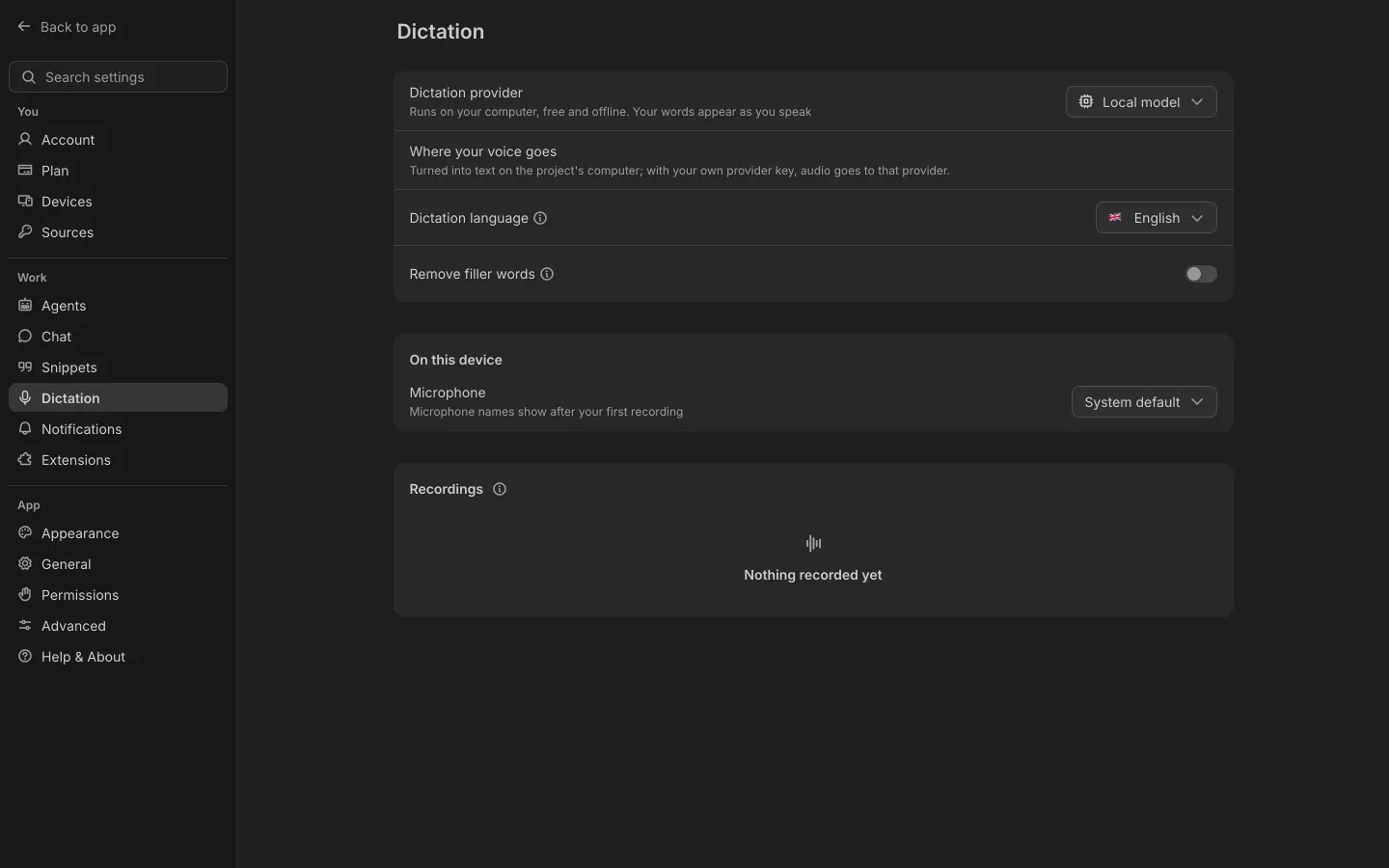
Type a note, or press the microphone and say it.
-
Send it.
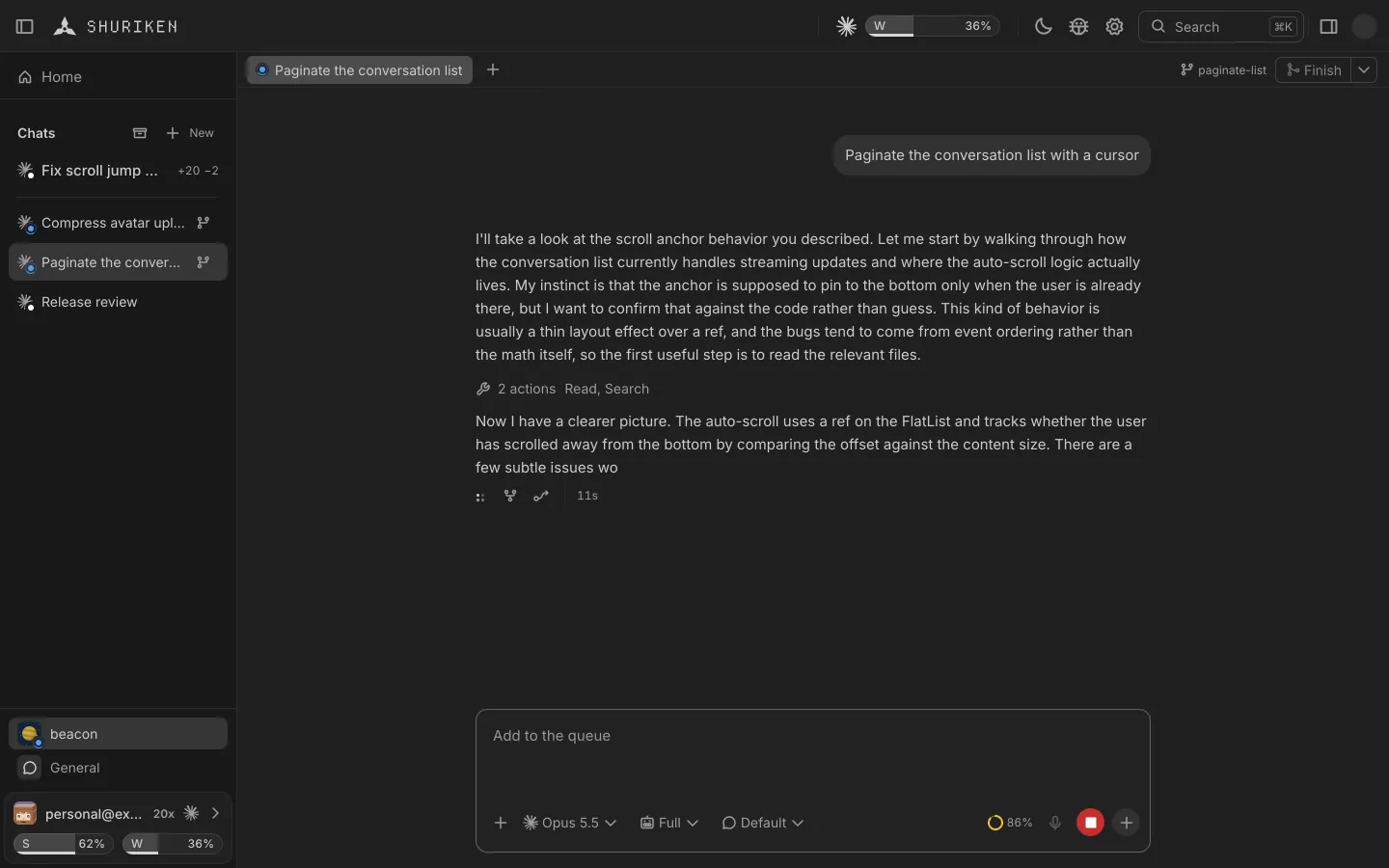
It reaches the agent with each element's details and a cropped screenshot. Agent busy? Add it to the queue instead.
The details
Your signed-in session
Import cookies from Chrome, Arc, Edge, Brave, Firefox or Safari.
One profile per workspace
Logins and storage stay with each workspace.
Agents drive the same tab
Your agent clicks and types in the page you're looking at.
Passwords stay put
Password and secret fields never leave the page.
Good to know
- The browser is part of the desktop app for macOS, Windows and Linux.
- Google cookies are never imported: Google signs you out everywhere when they move.
Questions
What does the agent receive?
Your note, each element you picked with its details, and a cropped screenshot of it.
Can I say the change instead of typing it?
Yes. Press the microphone in the note and talk. If the agent is busy, the button becomes Add to queue.
Can I stay signed in to my app?
Yes. Import cookies from Chrome, Arc, Edge, Brave, Firefox or Safari. Google cookies are never imported, and each workspace keeps its own profile.
Where is the browser?
In the desktop app for macOS, Windows and Linux, beside the chat.
Bring your agents. Keep your accounts.
Free forever, with 2 sources and 2 linked devices. No card.