The problem
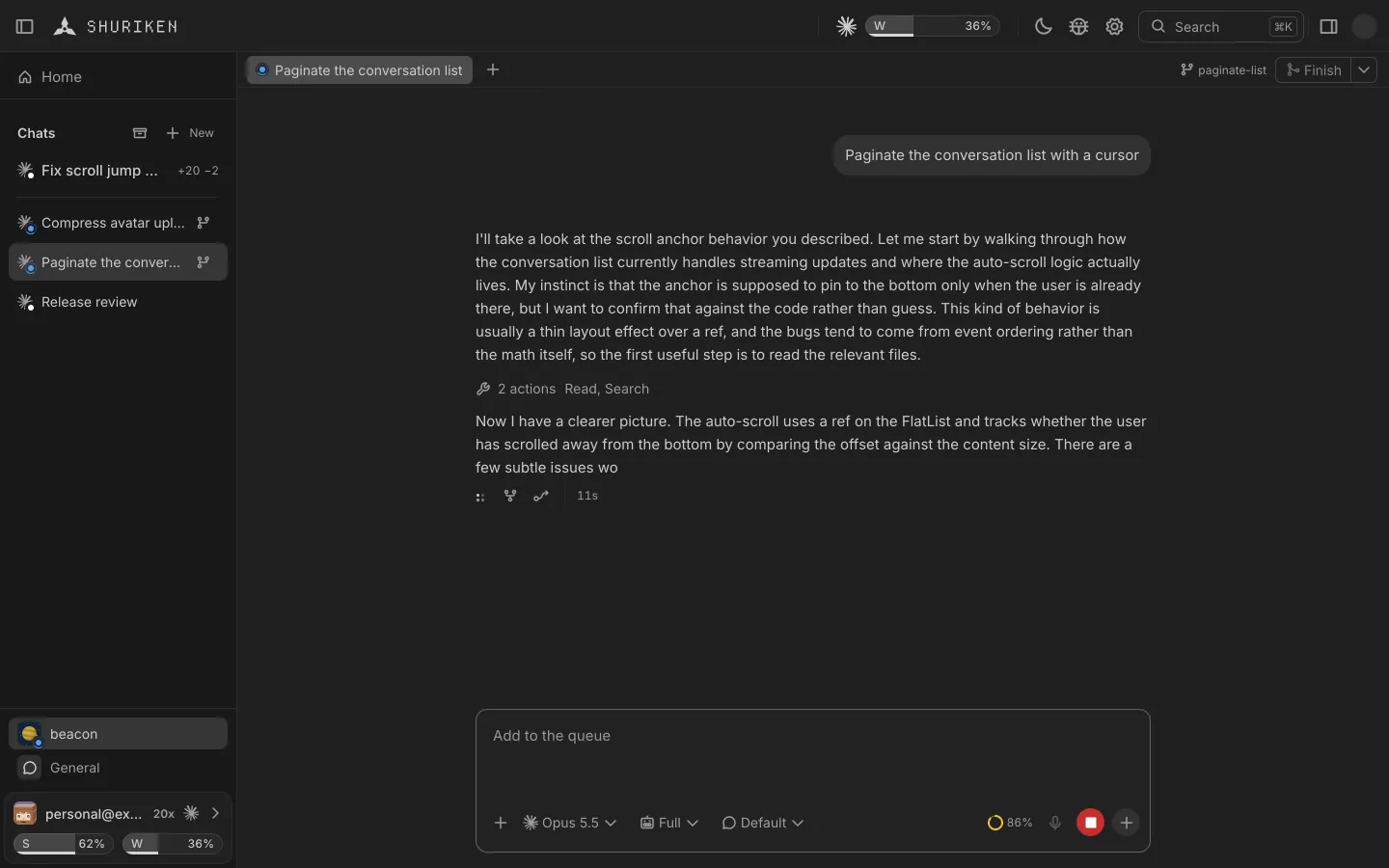
An agent's worktree is a folder you have to find.
Each chat works on its own branch in its own checkout. To look at its files in your editor you dig up the path, switch branches or open a terminal in the right place first.
How Shuriken handles it
How it works
From a chat's header, Open in takes the chat's worktree to VS Code, Cursor, Zed, a terminal or Finder.
Everything Open in knows.
Shuriken shows the ones installed on your computer.
Editors
- VS Code
- Antigravity IDE
- Cursor
- Default app
- Sublime Text
- Xcode
- Nova
- BBEdit
- TextMate
- Emacs
- Neovim
- Vim
- Kiro
- Trae
- VS Code Insiders
- VSCodium
- Windsurf
- Zed
JetBrains
- IntelliJ IDEA
- IntelliJ IDEA CE
- PyCharm
- PyCharm CE
- WebStorm
- PhpStorm
- GoLand
- CLion
- Rider
- RubyMine
- RustRover
- DataGrip
- DataSpell
- Aqua
- Fleet
- Android Studio
Terminals
- Terminal
- iTerm
- Warp
- Ghostty
- Windows Terminal
- GNOME Terminal
- Konsole
File managers
- Finder
- Explorer
- Files
The details
Right where the agent works
Each chat opens in its own worktree, on its own branch.
At the file
Open a file from the chat and editors that can jump to it land on the spot.
Found for you
Shuriken lists the editors and terminals installed on your computer.
Every desktop
macOS, Windows and Linux, each with its own apps.
Good to know
- Open in is part of the desktop app. On your phone, the web app shows the changes instead.
Questions
Which apps can it open?
Editors such as VS Code, Cursor, Zed and Xcode, the JetBrains IDEs, Vim, Neovim and Emacs, terminals such as Ghostty, iTerm and Windows Terminal, and Finder, Explorer or Files. Shuriken lists the ones installed on your computer.
Does it open the right branch?
Yes. Each chat opens in its own worktree, on its own branch.
Can I open one file at its spot?
Yes. Open a file from the chat, and editors that can jump to a line land on it.
Does it work on my phone?
Open in is part of the desktop app. On a phone, the web app shows the changes instead.
Bring your agents. Keep your accounts.
Free forever, with 2 sources and 2 linked devices. No card.