Talk, paste, keep talking. Privately.
Shuriken turns your voice into text on your own computer with NVIDIA Parakeet by default, so no speech service hears you and dictation works offline. If you prefer a cloud model, you can add your own key for a live speech provider.

The problem
Typing a long prompt is slower than saying it.
The context an agent needs is often easier to say than to write: what you tried, what you saw, what you want instead. Most dictation sends your voice to someone's server, and pasting an error halfway through breaks the flow.
How Shuriken handles it
How it works
-
Press the mic.
The speech model downloads to your computer once (about 465 MB). No key, no account with anyone else.
-
Talk.
The transcript appears while you speak, so you can see it's working.
-
Paste as you go.
Paste text mid-sentence and it lands at the moment you pasted it, not at the end.
-
Drop in images.
Images and files attach to the message straight away, and you keep talking.
The details
On your computer
NVIDIA Parakeet TDT 0.6B v3 turns speech into text on your own computer, in 25 European languages.
Private by default, or your own provider
With the local model no speech service hears you, and it works offline. Prefer ElevenLabs, AssemblyAI, Deepgram, Speechmatics or OpenAI? Add your own API key and your audio streams live to that provider, under your account. Silence is never sent.
Nothing gets lost
A recording cut short by a crash is recovered, and past takes are kept.
Computer and phone
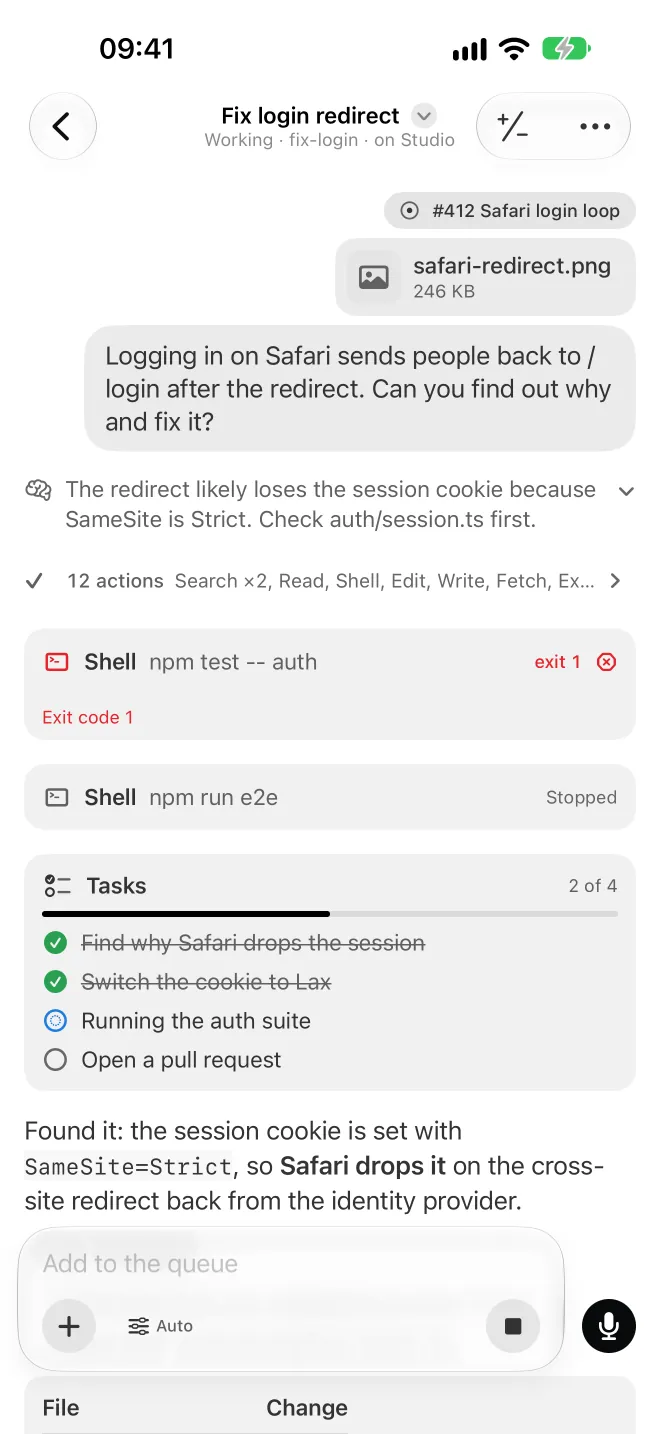
On your phone or in a browser, your voice travels end-to-end encrypted to your own computer, which transcribes it with the local model or streams it to the live provider you picked.
Good to know
- Only pasted text is placed in the sentence. Images and files attach to the message.
- Free and Pro alike. Remove the model any time in Settings › Dictation.
Questions
Does my voice leave my computer?
Not with the default model. NVIDIA Parakeet turns speech into text on your own computer and works offline. Only if you add your own key for a live provider does audio stream to that provider, under your account.
What happens when I paste while talking?
Pasted text lands at the moment you pasted it, in the middle of the sentence. Images and files attach to the message.
Which live providers can I use?
ElevenLabs, AssemblyAI, Deepgram, Speechmatics or OpenAI, each with your own API key. Silence is never sent.
Does it work on my phone?
Yes. Your voice travels end-to-end encrypted to your own computer, which turns it into text with the model you picked.
Bring your agents. Keep your accounts.
Free forever, with 2 sources and 2 linked devices. No card.